Guided menu
Choose which actions sit at the top so every right-click feels intentional.
Context-menu superpowers
OneRight transforms the humble right-click into a curated tray of everyday actions, templates, and shortcuts crafted for people who live in Finder.

Why OneRight
Mix file actions, launchers, and favorites into a single, elegant panel tailored to your taste.
Choose which actions sit at the top so every right-click feels intentional.
Create Markdown notes, design briefs, spreadsheets, and more without digging through folders.
Pin favorite apps or destinations to send files where they should be—fast.
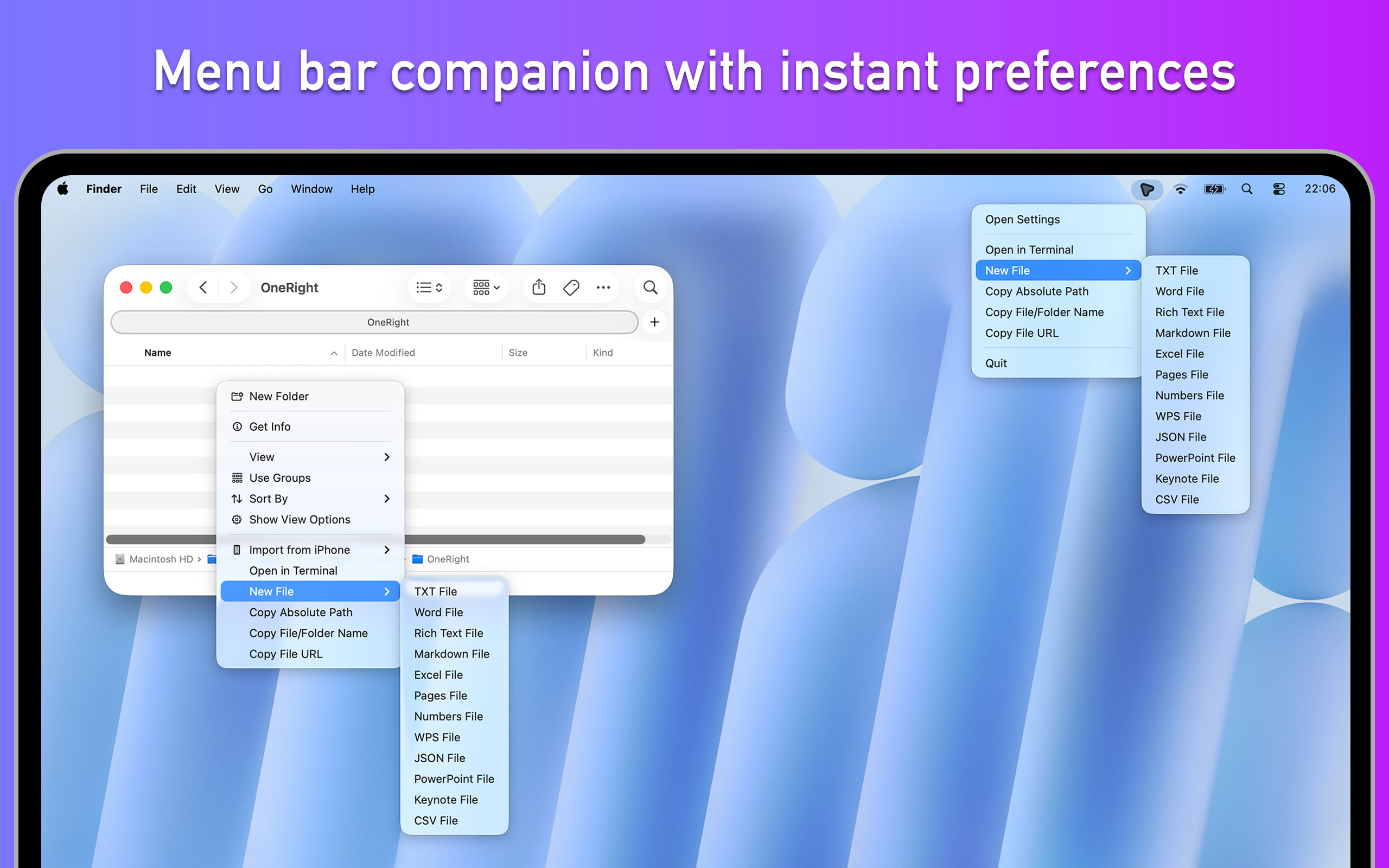
The menu bar companion keeps preferences, tips, and quit controls one click away.
Launch at login, status bar presence, and language toggles.
Choose which file templates show up in Finder.
Enable/disable actions from copy path to AirDrop.
Version details plus recommended workflows.
FAQ
No. It simply layers a curated right-click experience on top of Finder so you can keep using the tools you already know.
OneRight stays dormant until you open the contextual menu. Actions and templates are cached, so the menu feels instant.
You can export and import presets manually today. Cloud sync is on the roadmap once the beta stabilizes.
We currently target macOS 14 and above. Older versions may work but are not officially tested.
About OneRight
We’re a small macOS studio obsessed with reducing friction for power users. OneRight started as a private tool for our own file-heavy workflow and is now opening up to more creators.
Menus stay short, delightful, and easy to scan. Every toggle is there for a reason.
Everything runs on your Mac, with data stored locally in the shared container.
Send us your workflow and we’ll help tailor OneRight to fit—no generic bots.
OneRight is currently in curated beta. Send us your workflow, we will send back a build.